1 MONTH
€12
- 4K / Ultra HD picture
- Over 45,000 channels
- Catch-up TV / EPG for channels
- 99.9% server availability
- Anti-freeze technology
- 24/7 assistance
Looking for information about an IBO Player playlist? Explore plan options, understand app activation, and find practical setup guidance for compatible devices—all in one place.
Important: IBO Player is a media player. It does not itself provide channels or playlists. Use only content you are authorized to access.
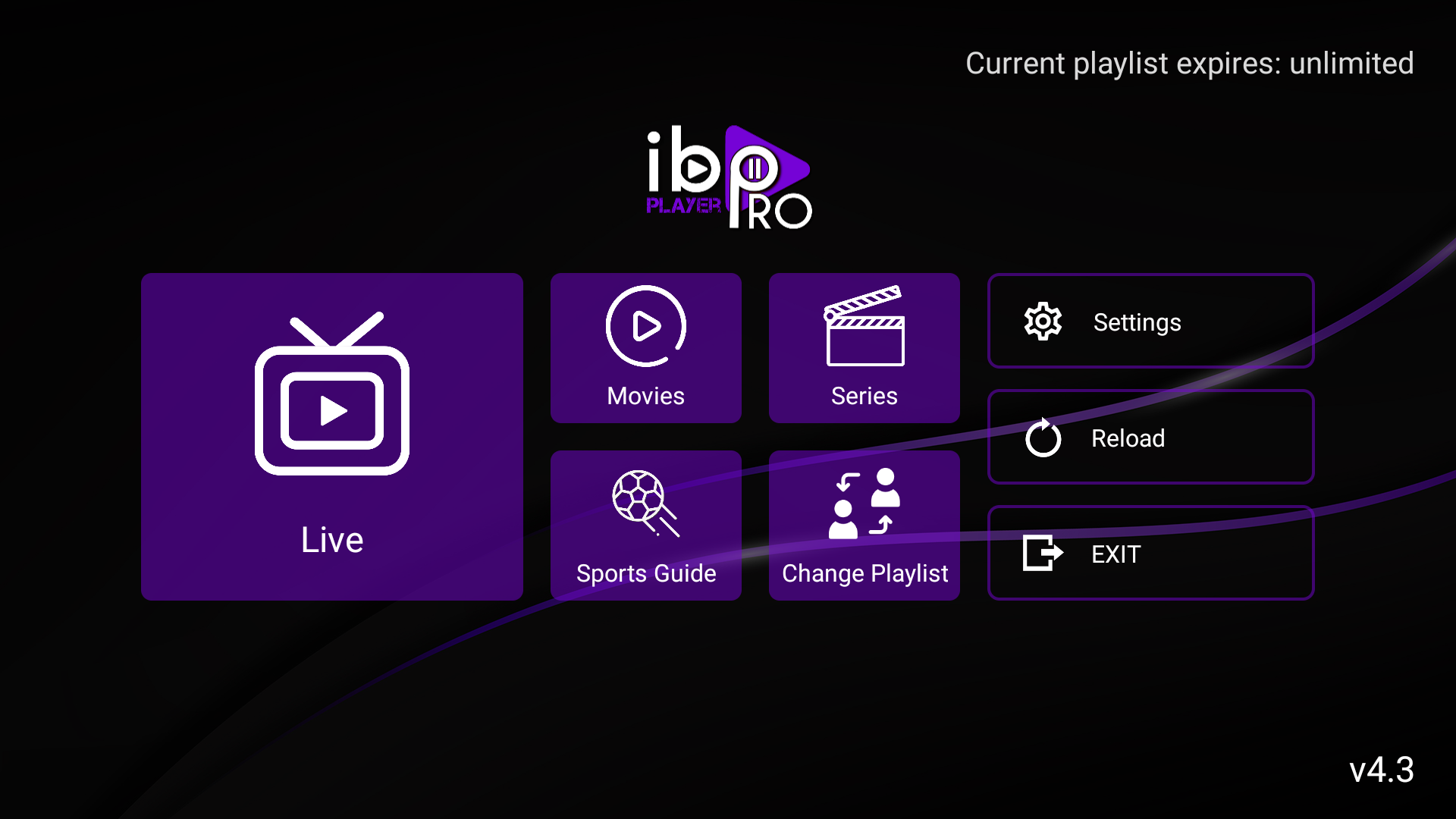
Three simple steps to prepare your IBO Player app and playlist.
Find IBO Player in the official app store for your compatible device and check the app publisher before installing.
Open the app and note the device ID or MAC address and device key if the app displays them.
Use the playlist details from a provider you are authorized to access, then save and refresh the app.
Open your playlist, choose available live TV or on-demand content, and enjoy streaming on your compatible device.
App activation and a content subscription are separate. Confirm what is included before paying.
Review the duration and price before choosing an option.
Before ordering, confirm exactly what the subscription includes and ensure the provider has the rights to distribute the content.
Choose an app activation option for a compatible device. App activation is separate from any playlist or content subscription.
Check the official license terms and your device compatibility before purchasing. License pricing and availability may vary by app and reseller.
Availability depends on the app version, device model, and regional app store.
Compare the displayed plan durations and activation prices before you contact us.
Find practical information to prepare your compatible device and app.
Understand the difference between an app license and a content playlist.
Ask for order details, license conditions, and the next steps before paying.
Quick answers about playlists, app activation, compatible devices, and setup.
It is a compatible playlist that you add to the player. IBO Player is a media player and does not provide channels or content by itself.
No. App activation enables use of the player according to its license terms. A playlist or content subscription is separate.
They may be separate purchases. Check exactly what each offer includes, the duration, renewal conditions, and refund terms before paying.
Search for IBO Player in your device’s official app store and confirm compatibility with your exact model and operating system.
Follow the app’s instructions and use playlist details from a provider you are authorized to access. Never post your device ID, MAC address, or activation key publicly.
Check your internet connection, confirm the playlist details are correct and active, then reopen or refresh the app. If it still fails, contact the playlist provider.
Use the contact option below to confirm the current price, payment methods, license terms, and what is included before placing an order.
Message us to confirm the current price, payment options, license terms, and what is included before paying.
IBO Player app activation and a playlist subscription may be separate. Confirm the details before ordering.